Do I need to set it up every time?
No. Set it once and the system remembers both your selected markets and card design, then sends LINE alerts automatically until you change them.
Set it up once and the system will automatically send lottery results to your LINE every draw. Supports all markets with flexible card customization.
Total Steps
5 Steps
Simple and takes less than 5 minutes
Market Count
134
Covers Thai, Lao, Hanoi, and stock markets
Delivery
Automatic
Sent immediately after every draw
Step 1
At the top of the page there are 3 main buttons so you can switch tasks quickly without searching through menus.
🧭 Main buttons you will use most often
Used to choose which results you want to receive
Used to change the theme, colors, logo, artwork, and text
Used to open this guide when you forget which control to press first
Step 2
Open the Choose Markets tab and select the lotteries you want. The system sends results to LINE automatically every draw. You can select multiple markets at once or use the Select All
📋 Example market selection
Step 3
Open the Card Design tab and customize each part through the submenus: logo, artwork, card colors, and font sizes.
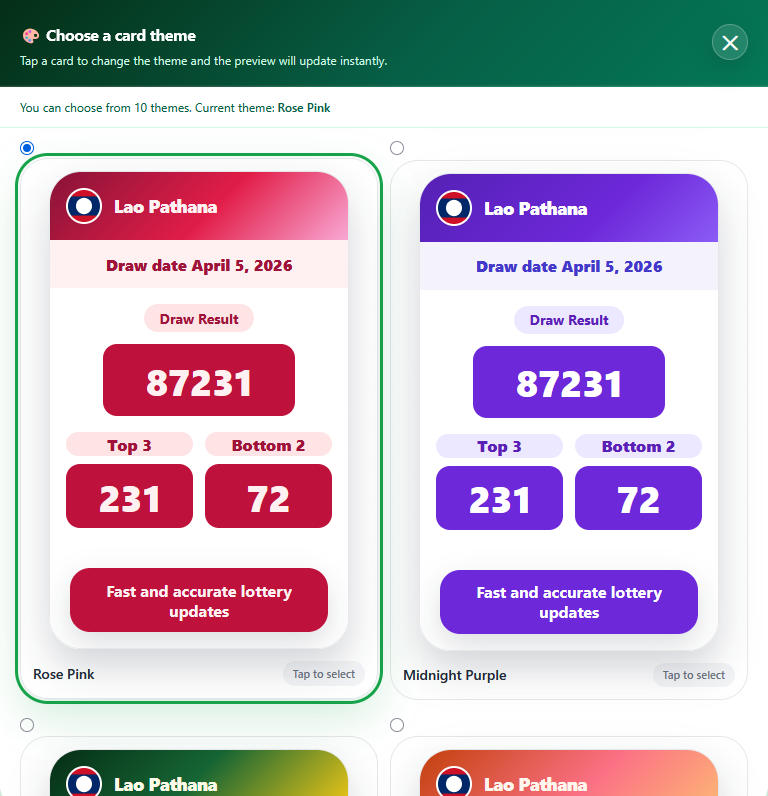
🎨 Choose a card theme
Press the Choose Theme button and the system will show all available themes. 10 themes can be selected instantly, and the preview updates to match the chosen theme.
Logo
Upload PNG/JPG files, drag to position them, resize freely, and add text beneath the logo.
Artwork
Control the card background image, including size, position, and opacity.
Card Colors
Choose a preset theme or define custom colors for the header, content, and footer sections.
Typography
Adjust the date text, prize labels, and result numbers independently.
Step 4
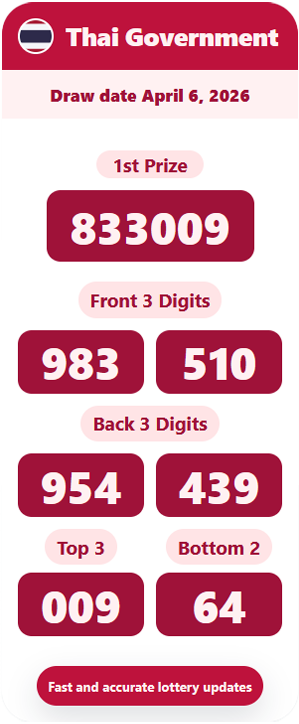
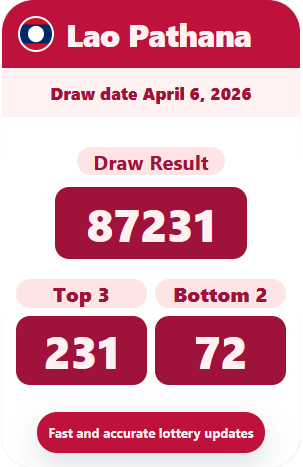
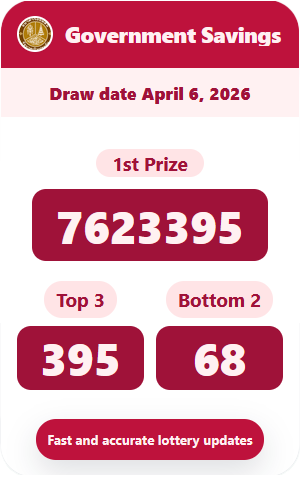
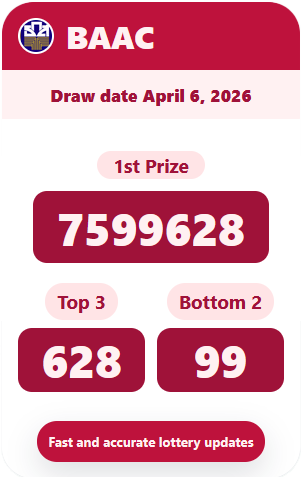
Save once, then view the preview in the 📱 Live Preview . You can switch between standard markets, Thai Government, GSB, and BAAC cards.
SHOWCASE
Step 5
Press the 💾 Save All once. The system will save both your market selections and card design together. The setup link stays valid for 1 hour.
⚡ What happens after saving
Press this button once your setup is complete
Saves both the chosen markets and card design together
This link remains valid for 1 hour
No. Set it once and the system remembers both your selected markets and card design, then sends LINE alerts automatically until you change them.
There is no fixed limit. You can choose any available market in the system, including Thai, Lao, Hanoi, China, and global stock markets.
PNG and JPG are supported. A file size under 2MB is recommended for sharp display quality.
The setup link is valid for 1 hour from the moment the page is opened. Once saved, the configuration stays permanently.